
Blog
Our Latest Insights
Explore our latest blog post where we share insights on our design process, from initial ideas to completed projects.
Google Business Profile: Why It Matters in 2026 and How to Optimise It
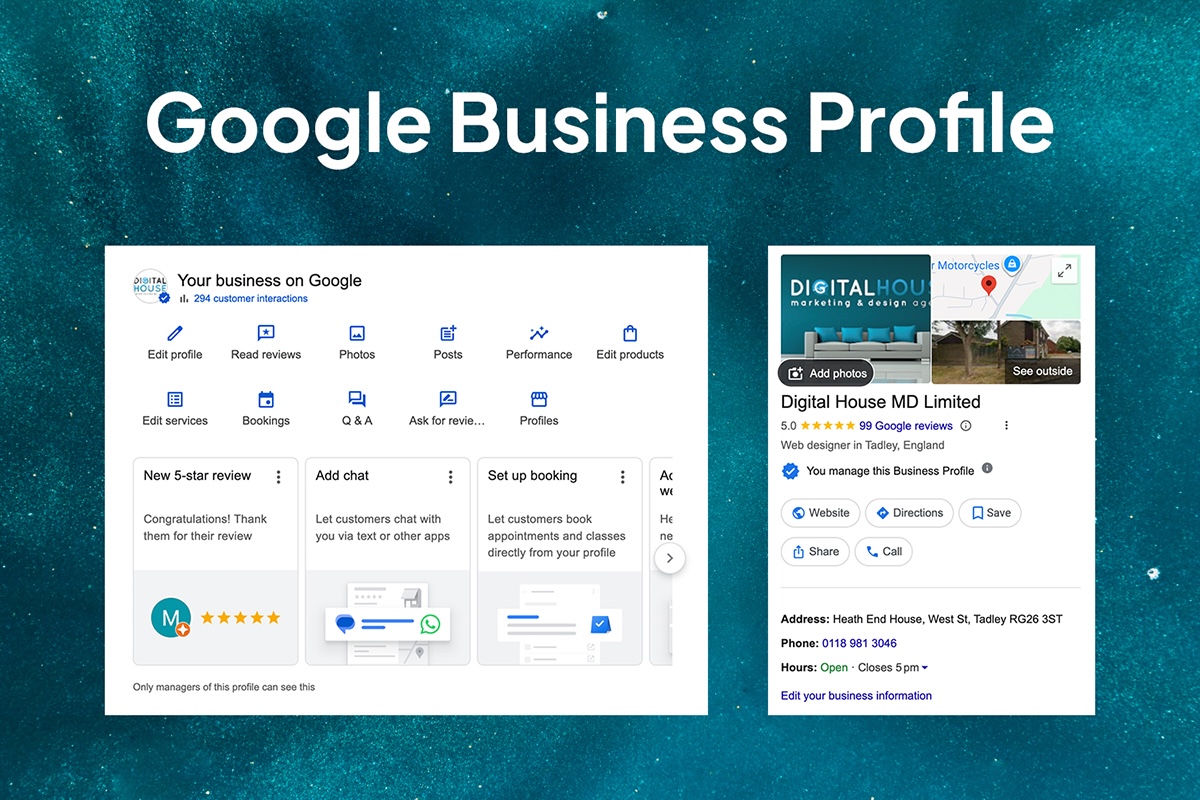
What Is a Google Business Profile (GBP)?
A Google Business Profile (GBP) is a free business listing that allows organisations to manage how they appear across Google Search and Google Maps. It displays essential information such as your business name, contact details, opening hours, reviews, photos, services, and directions. For many customers, GBP is the first — and sometimes only — interaction they have with a business before making contact.
Why Google Business Profile Matters More Than Ever in 2026
- Customers Make Decisions Directly in Search Results
In 2026, many users never reach a website. They compare businesses, read reviews, check photos, and make contact directly from Google. A strong profile ensures your business is part of that decision-making process.
- Local Search Is More Competitive
Google’s local results prioritise relevance, accuracy, and activity. Businesses that regularly update their profiles, respond to reviews, and keep information accurate are more likely to appear in the Local Pack and map results.
- AI-Driven Search Relies on GBP Data
During 2025, Google increased its use of AI-driven summaries, recommendations, and conversational search experiences. These systems rely heavily on structured, verified business data — much of which comes directly from Google Business Profiles.
If your profile is incomplete or outdated, your business is far less likely to be recommended by AI-powered search tools.
- Verification Standards Became Stricter
Google tightened verification requirements across many industries in 2025. Verified profiles now play a critical role in preventing spam listings, improving ranking stability, and enabling advanced features such as messaging and local ads.
Unverified or poorly maintained profiles are increasingly suppressed or limited.
- GBP Can Act as a Stand-Alone Presence
For businesses without a website — or those relying primarily on local leads — Google Business Profile can function as a complete digital presence, driving calls, directions, bookings, and enquiries on its own.
Key Google Business Profile Updates Introduced During 2025
Google rolled out several important updates during 2025 that changed how businesses manage and benefit from their profiles:
- Improved verification workflows with clearer status tracking and stricter enforcement.
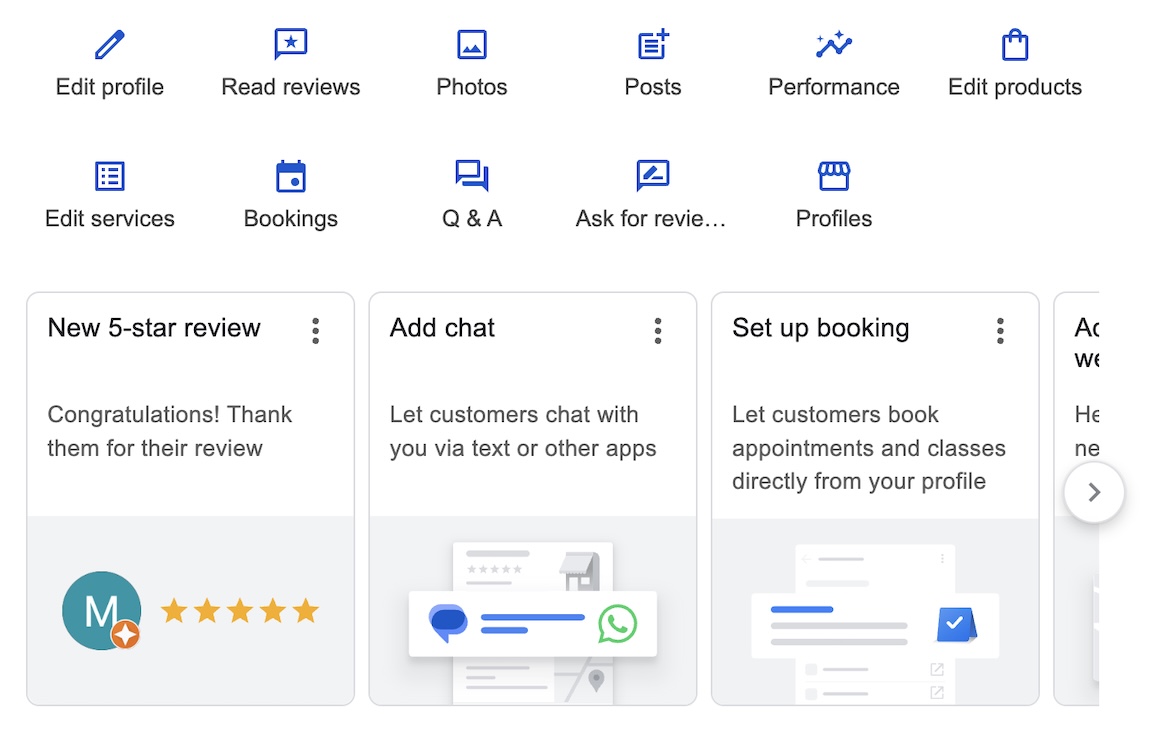
- Expanded messaging options, including wider availability of SMS and WhatsApp integrations for eligible businesses.
- Enhanced analytics and Insights reporting, offering better visibility into searches, calls, directions, and user behaviour.
- Greater emphasis on profile activity, including regular posts, photo uploads, and review engagement.
- Stronger protections against fake reviews and spam listings.
How to Optimise Your Google Business Profile for 2026
Step 1: Claim and Verify Your Profile
Search for your business on Google and claim your profile. Complete the verification process to unlock full visibility and features.
Step 2: Ensure Accurate and Consistent Business Information
Confirm that your business name, address or service area, phone number, website, and opening hours are correct and consistent across all platforms.
Step 3: Select the Most Relevant Categories
Choose the most accurate primary category for your business. Add secondary categories only if they genuinely reflect your services.
Step 4: Write a Clear Business Description Using Relevant Keywords
Use natural language to describe what your business offers, incorporating relevant search terms without keyword stuffing.
Step 5: Add Services and Products
List your key services or products where available to help customers and Google better understand what you provide.
Step 6: Upload High-Quality Photos and Videos
Regularly add professional images of your work, premises, team, or products to build trust and improve engagement.
Step 7: Actively Manage Reviews
Encourage customers to leave reviews and respond to all feedback promptly and professionally.
Step 8: Use Posts, Offers, and Events
Publish updates, promotions, or events directly on your profile to demonstrate activity and relevance.
Step 9: Monitor and Respond to Q&A
Check the Questions & Answers section regularly and provide accurate responses before incorrect information appears.
Step 10: Review Performance Using Insights
Use GBP Insights to track how customers find your listing and what actions they take, then refine your approach accordingly.
Need Help with Your Google Business Profile?
Managing and optimising a Google Business Profile takes time, consistency, and a clear understanding of how local search works in practice. If you would rather focus on running your business, the Digital House team can help.
Digital House supports businesses with Google Business Profile optimisation, local SEO strategy, ongoing profile management, review strategy, and performance tracking. Whether you need a one-off clean-up or ongoing support, our team can help improve visibility, credibility, and enquiries.
To find out how Digital House can support your business, get in touch for an informal chat and tailored advice.
Similar Articles

We Take Your Digital Marketing to the Next Level
Find effective digital reach and real conversions for your business, driven by data

100
5 Star Google Reviews
